Business Workflow Automation Services
Reduce repetitive manual work between forms, sheets, inboxes and teams, with human review where it matters.
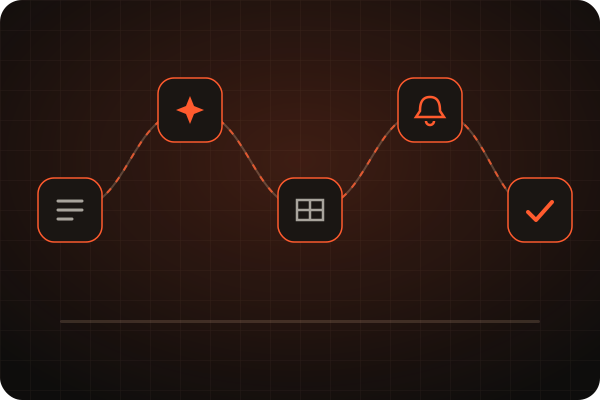
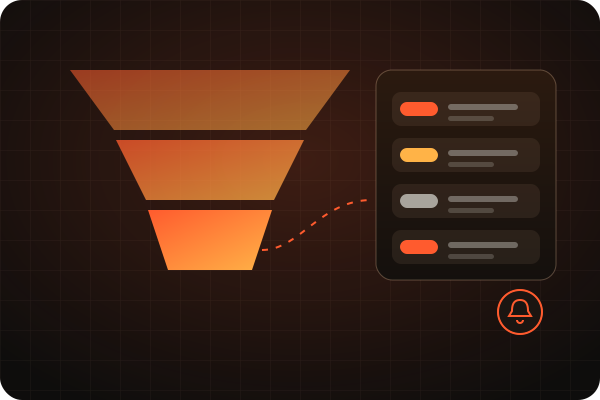
Business workflow automation connects the tools you already use so routine steps happen automatically: lead forms into spreadsheets or a CRM, enquiries sorted and routed, follow-ups scheduled and reports summarised.
Connect the tools you already use.
Examples of what can be built. An integration is described as available only after it has been implemented and tested for your project.
Lead intake
Inquiry triage
Email assist
Follow-up
Content approval
Routing
Reporting
Frequently asked questions
Which business tasks can be automated?
Typical examples are routing website lead forms into Google Sheets or a CRM, classifying incoming enquiries, drafting reply suggestions for review, scheduling follow-up reminders and producing weekly summaries.
Do I need Make.com or specific tools?
Make.com is one option I work with, alongside Google Sheets, Gmail, webhooks and CRM platforms. The right tools depend on what you already use. Integrations are only described as available once implemented and tested for your project.
Is my business data safe in an automated workflow?
Data handling is reviewed during the build and test stage so only necessary information is passed between tools. No guarantees are made without reviewing your specific setup.
Which task should we automate first?
Tell me about your business and we’ll map the right workflow together. No obligation.
Automate My Workflow